Create your account
Sign up, choose your account type, and get set up in a couple of minutes.
Sign up
- 1
Open sign up
Go to the sign-up page and enter your name, email, and a password.
- 2
Add your date of birth
We use your age to keep younger users safe. Accounts under 13 follow the guardian-approval flow.
- 3
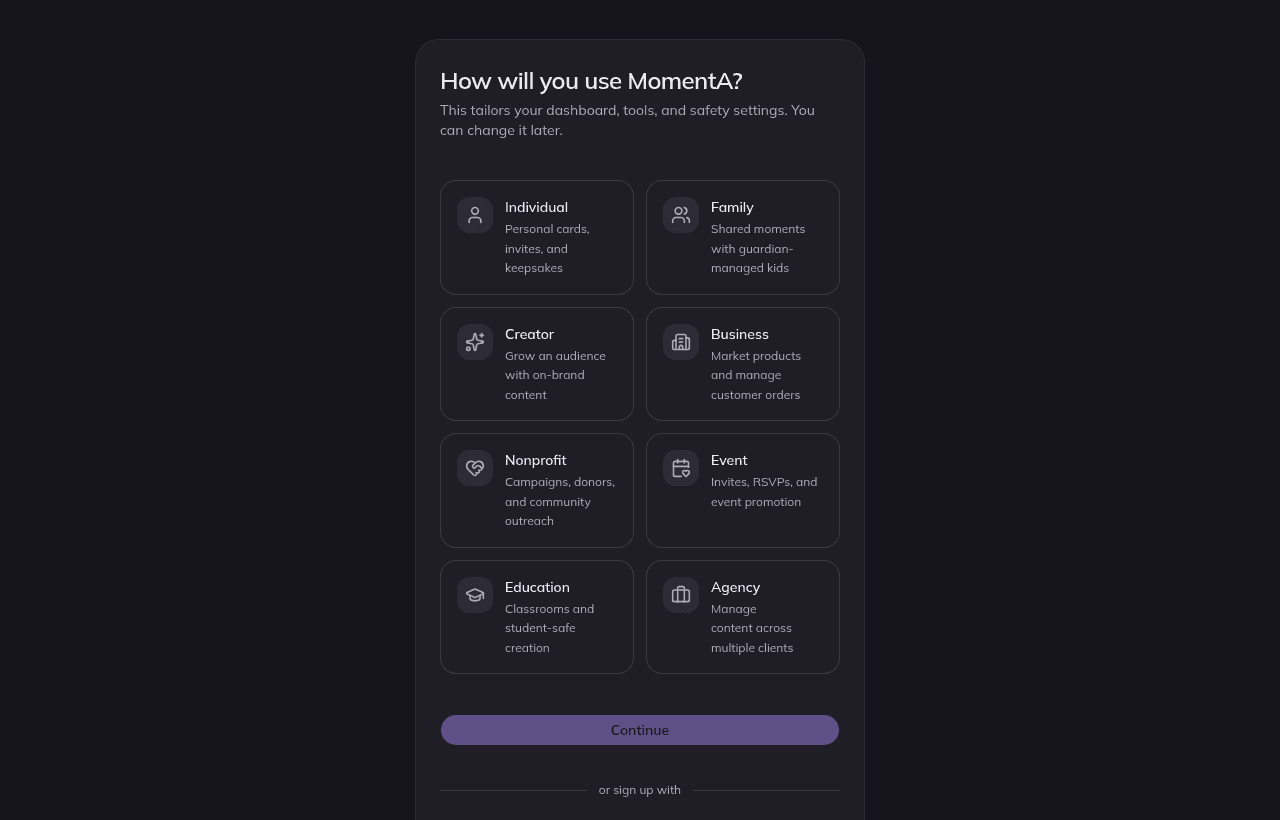
Pick an account type
Choose the option that matches how you'll use MomentA (see Choosing an account type).
- 4
Verify and continue
Confirm your email if prompted, then land in onboarding to finish setup.
Under 13?
If your date of birth indicates you're under 13, MomentA asks for a parent or guardian's email and holds the account for approval before any content can leave the account. See Family accounts & guardians.
Free to start
Every new account starts on the Free plan with 21 bonus points (enough for 3 HD image generations), unlimited templates, and AI copywriting — no card required.