Signing in & password reset
Log in to your account and recover access if you forget your password.
Sign in
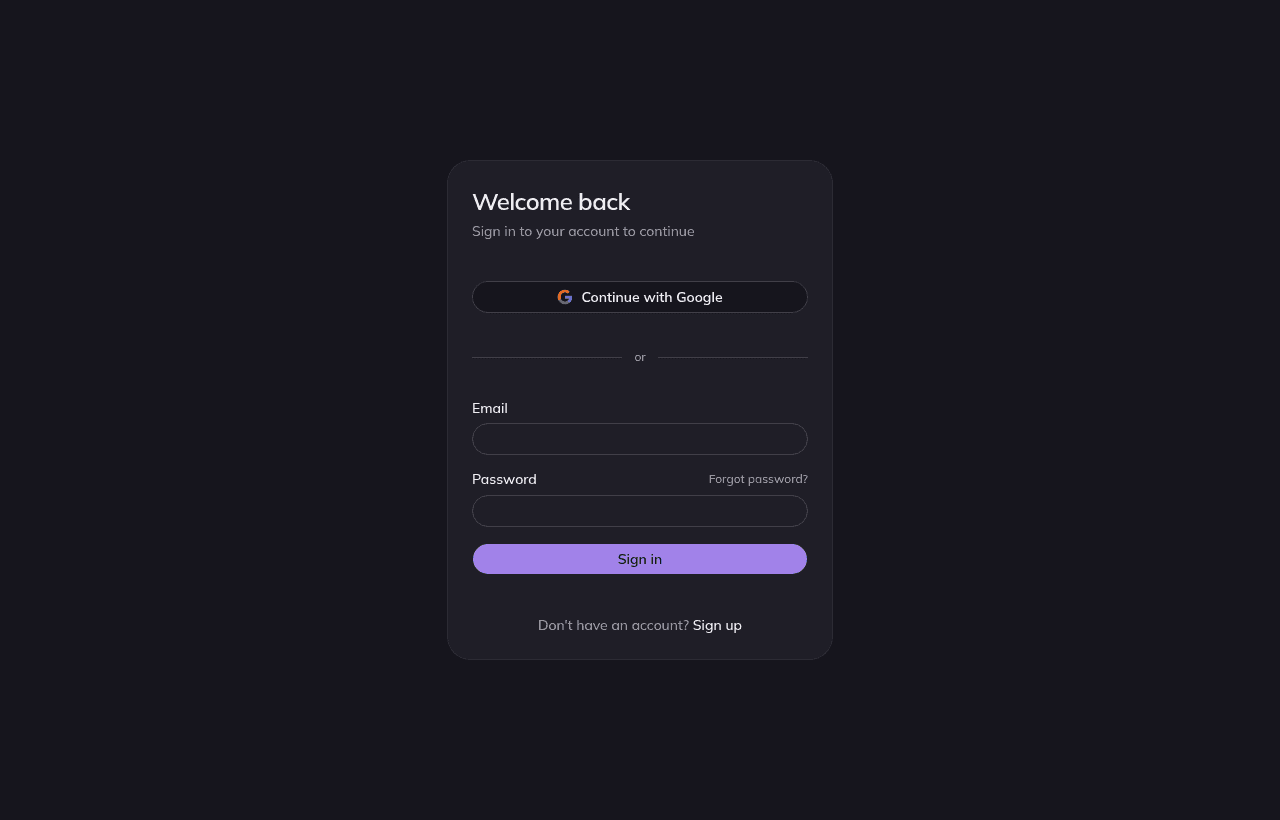
- 1
Go to sign in
Enter the email and password you registered with.
- 2
Land in your studio
You'll arrive at the studio overview, your home base for everything you make.
Forgot your password
- 1
Choose “Forgot password”
From the sign-in page, enter your account email.
- 2
Check your inbox
We email a secure, time-limited reset link. If it doesn't arrive, check spam.
- 3
Set a new password
Open the link and choose a new password. You'll be signed in and back in the studio.
Note
Reset links expire for your security. If yours has expired, just request a new one.